Your clipboard,
finally working
for you.
CopyKeep remembers everything you copy, keeps what matters pinned, and gets out of the way when you don't need it.
Current release: 1.6.0
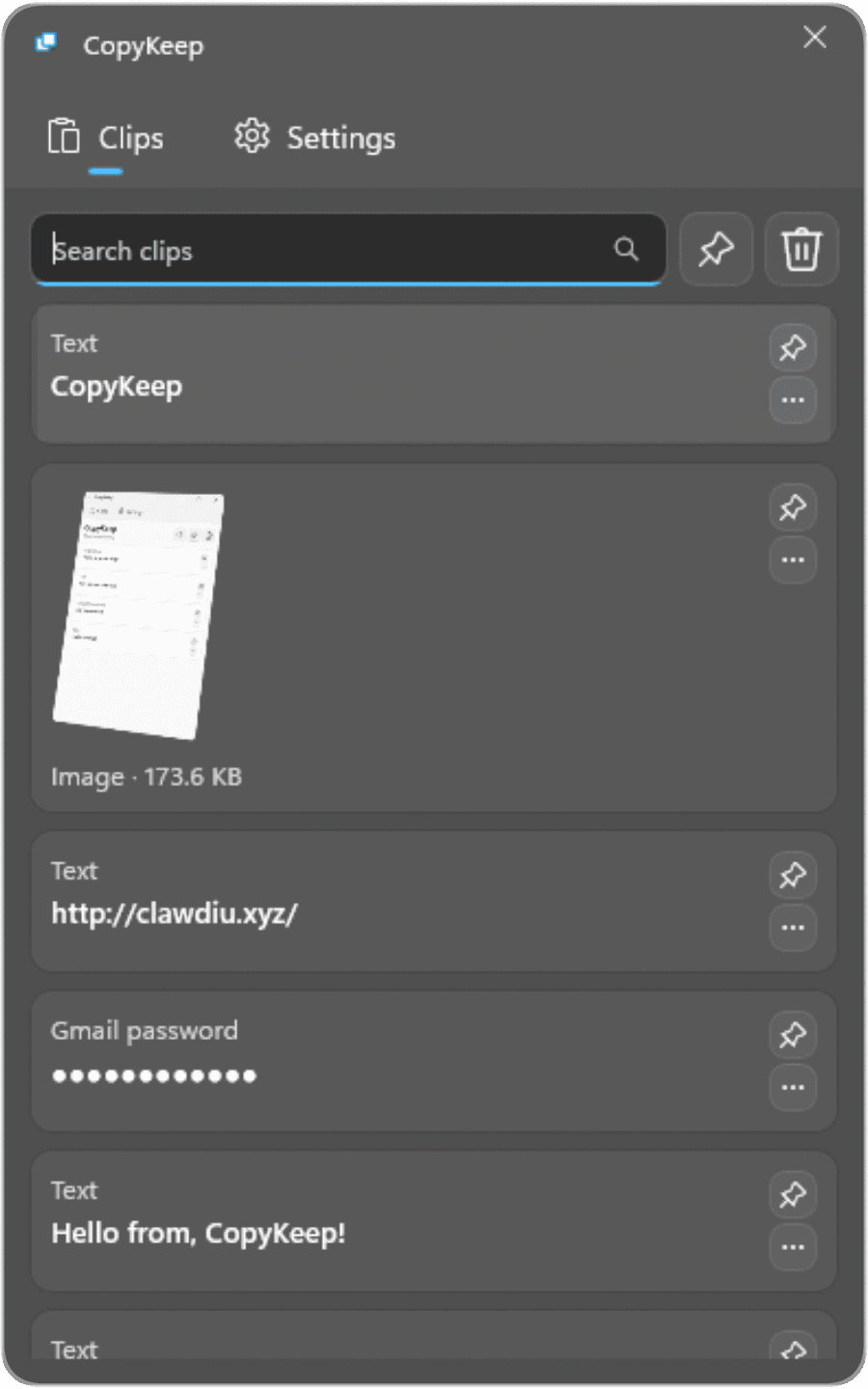
Built to disappear
when you don't need it.
Every decision in CopyKeep comes from one principle: your clipboard tool should feel like part of the OS, not a third-party app.
Keeps up to 60 items (configurable) across reboots. Pinned clips stay safe even after clearing the full history.
Permanently pin anything: credentials, boilerplate text, recurring values. They never get cleared or bumped out.
Find any clip you've ever copied in under a keystroke. Filters by type automatically for passwords, links, and code.
Starts silently with Windows. No tray clutter, no splash screen. It's just there when you need it.
Toggle a compact window that floats above your work. Paste without switching context, then dismiss it instantly.
Follows your Windows light or dark mode. No manual toggle required. Looks native on every machine.
Alex Morgan · Product Design
Keep the things you always need.
Some text lives permanently at your fingertips. CopyKeep's pinned clips work differently from history: they don't age out, can't be accidentally cleared, and sit ready at the top of your list every single session.
- Survive history clears and reboots
- Protected from the 60-item rotation limit
- One click to pin, one click to release
- Works with any content type
Available today.
Coming to Mac soon.
CopyKeep starts on Windows and expands to macOS in 2026. Native, not cross-platform.
Native Windows build with tray integration and automatic light or dark theme matching.
Available nowA native macOS build built for Apple Silicon and Intel alike. Launching alongside cross-device sync soon.
Coming soonInstall CopyKeep and stop losing what you copy.
The current Windows build installs fast, stays out of the way, and keeps itself up to date after setup.
Current release: 1.6.0